
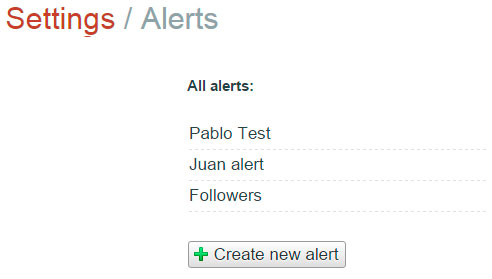
1) Enter in the Alerts section
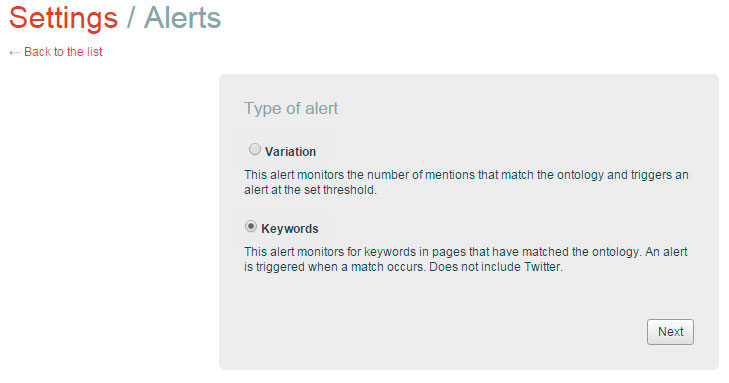
3) Select:
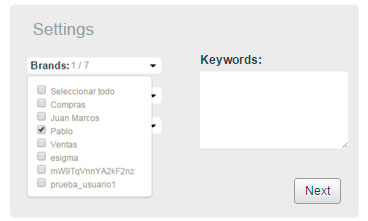
- Entity (brand/s that contain the positive terms configured in the ontology through which Tweets enter in the platform)
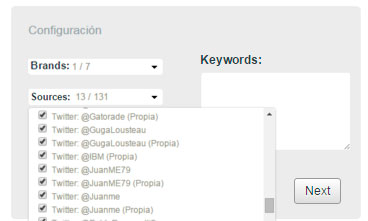
- Sources (onlyTwitter accounts).
- Select all regions.
- Define the alert condition*.
*condition: the combination of two attributes that will determine when to detect a particular tweet-user.
1) Select entity
2) Select source
3) Define the alert condition
In the example below, the chosen entity was "pablo" and all the sources where could possibly enter tweets that contains the configured condition.
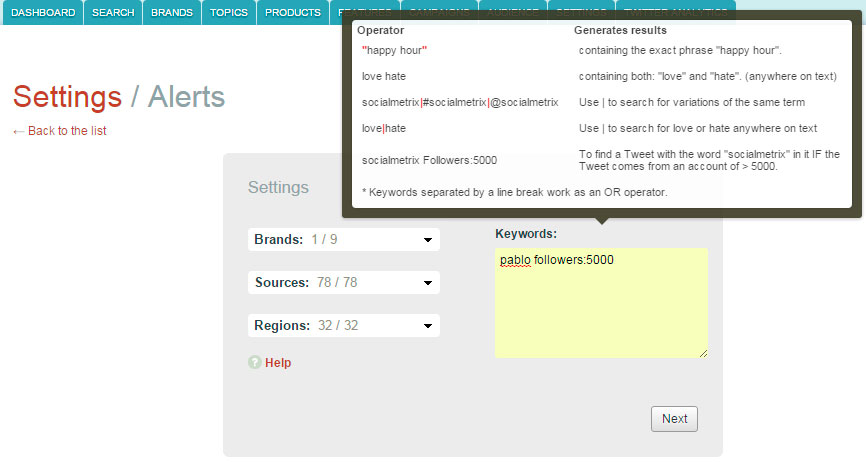
As you can see in the example above the condition is: pablo followers:5000
Which means that all tweets with the name (word) "Pablo" anywhere in the text and that come from a user with >5000 followers or more will trigger the alert.
4) Deny your own Twitter account
If your Twitter account meets the stablished alert condition (number of followers) e.g pablo followers:5000 you won't want be alerted of your own Tweet containing the word "pablo" in it.
In order to do that the alert syntaxis must be: searchedword followers:10000 !from:@yourtwitteraccount
FAQs
1) Can I enter two conditions for the same alert?
e.g.
gopro followers:5000
movistar followers:5000
No, only one condition per alert. Otherwise the alert won't work properly.
2) Can I use Facebook, Google +, etc as sources for the alert?
No, only Twitter will work for this alert.
3) If a Twitter user writes a Tweet that fulfill the configured condition, but this Twitter user wasn't configured as specific source in Socialmetrix Echo and none of the other configured specific sources "catch" the Tweet, the system will trigger the alert anyway?
No, alerts work under the configured ontology and information sources. Namely, over the platform's capture. Alerts are not aware of all Twitter Stream (all the tweets in Twitter), ONLY looks through the portion of captured tweets as a result of the platform configuration.